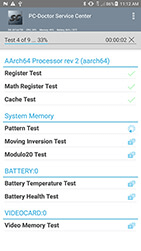
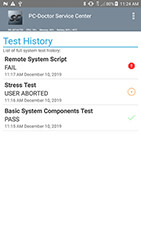
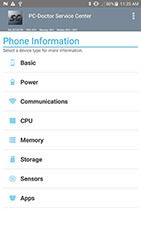
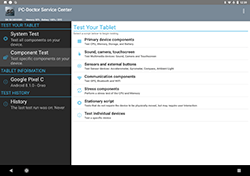
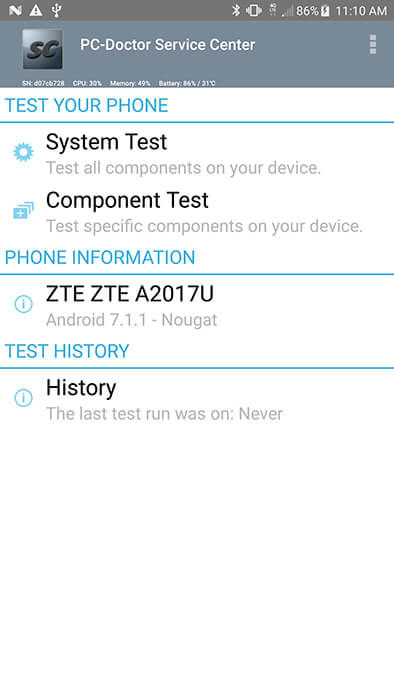
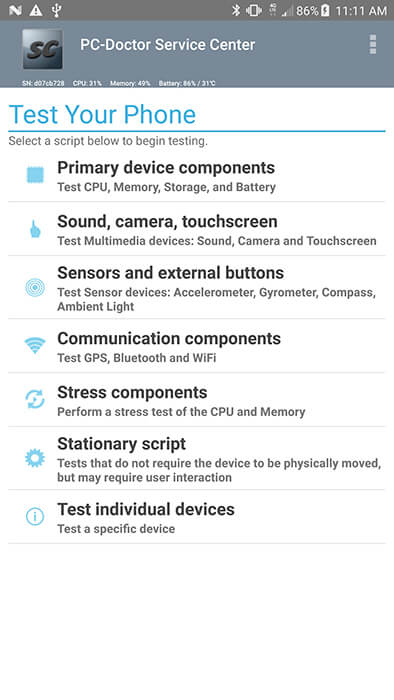
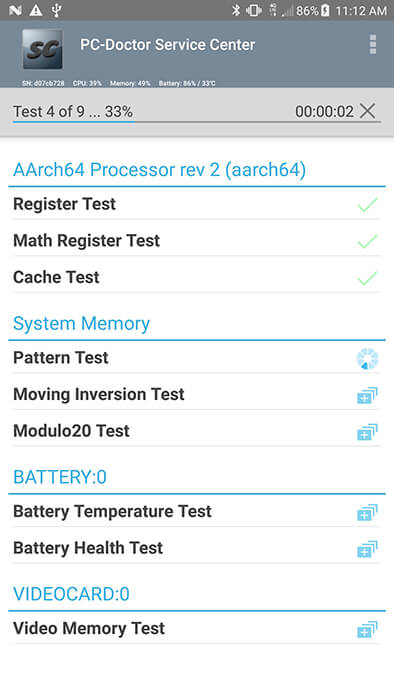
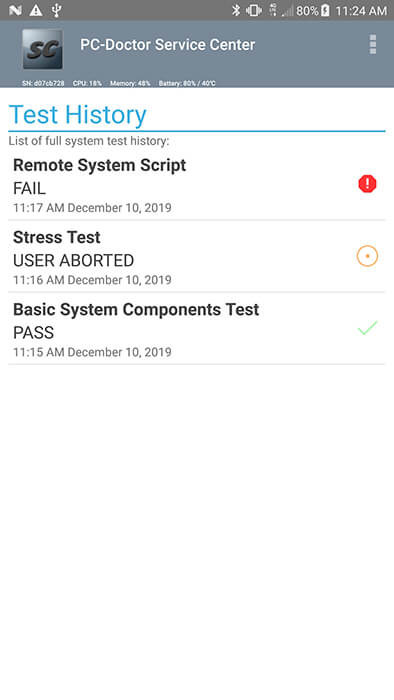
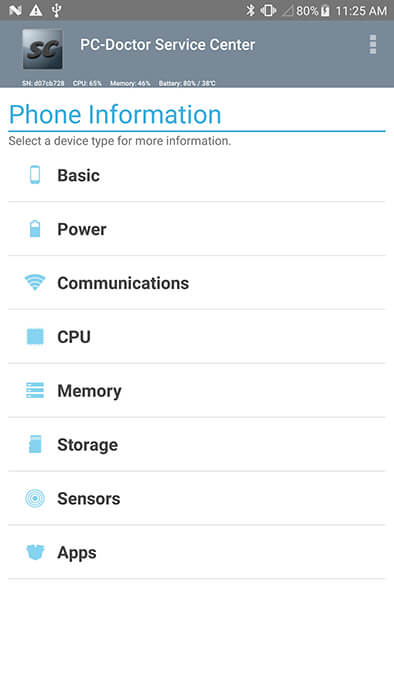
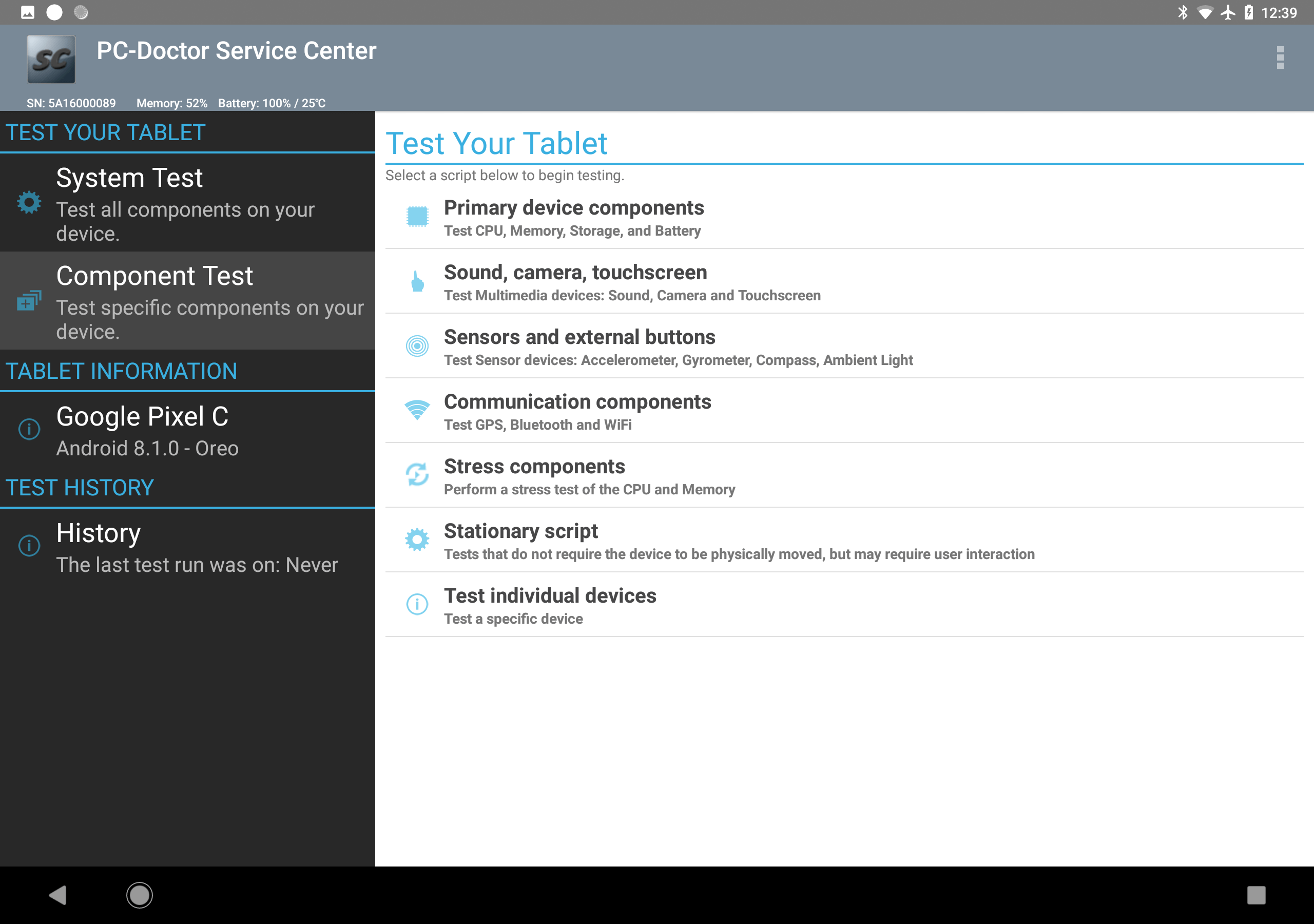
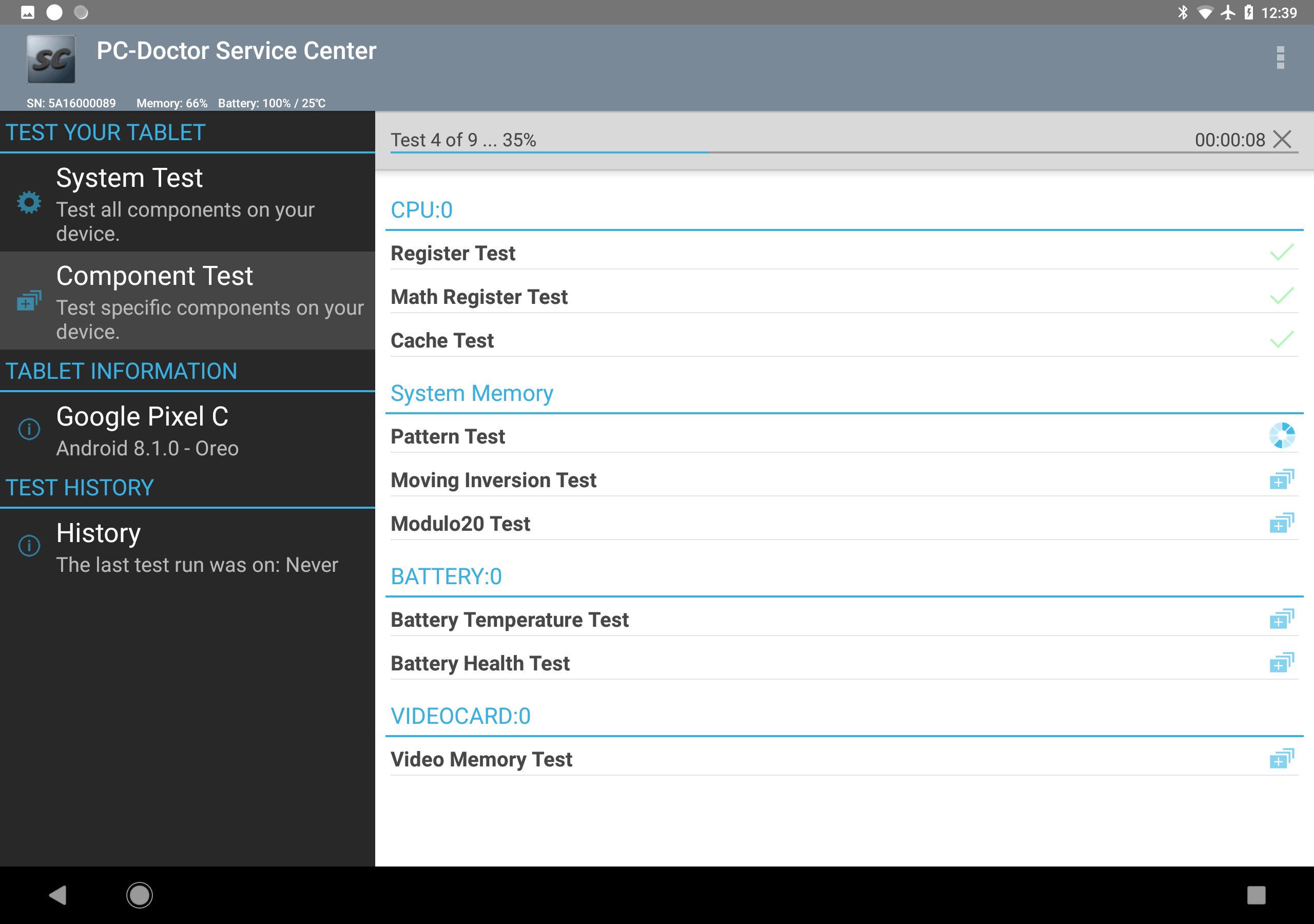
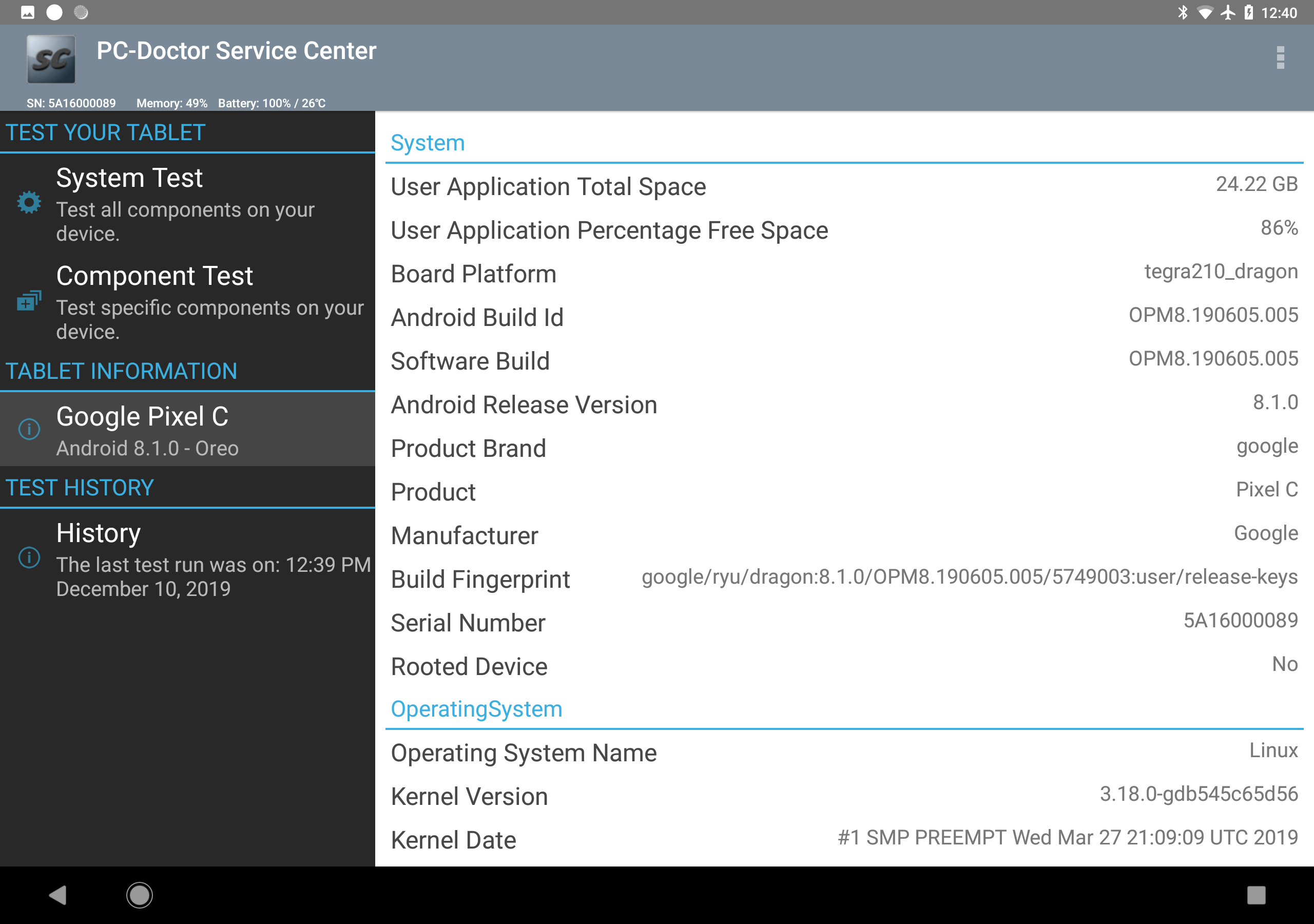
The Service Center 7.9 for Windows Home Pane
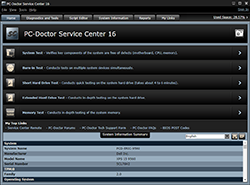
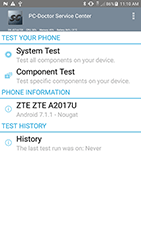
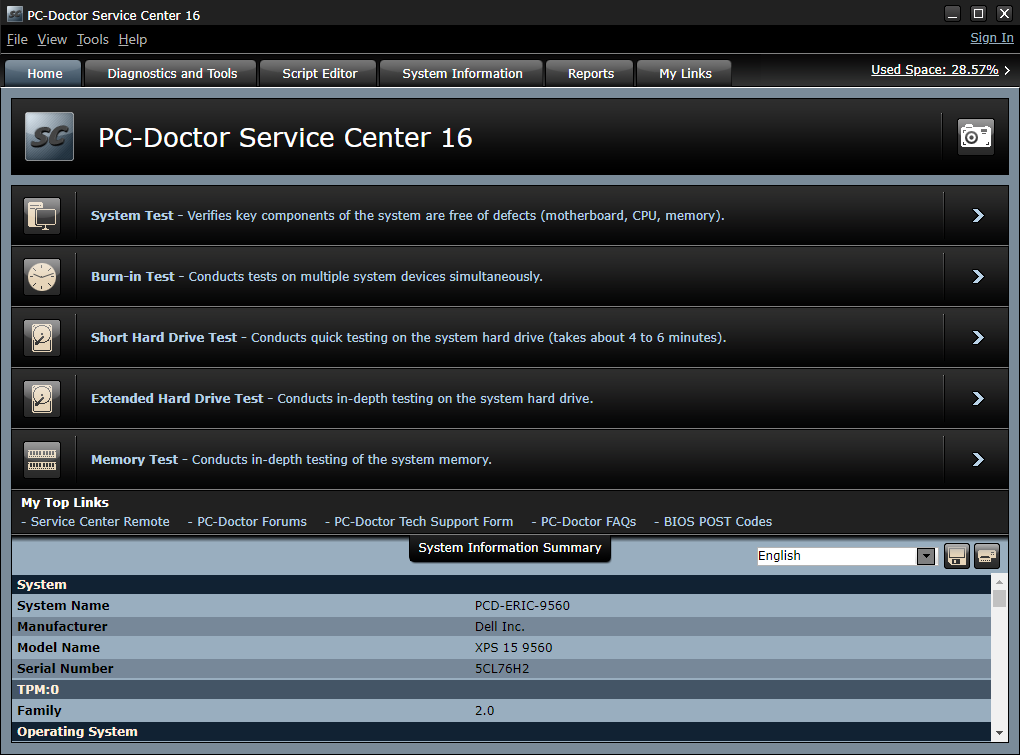
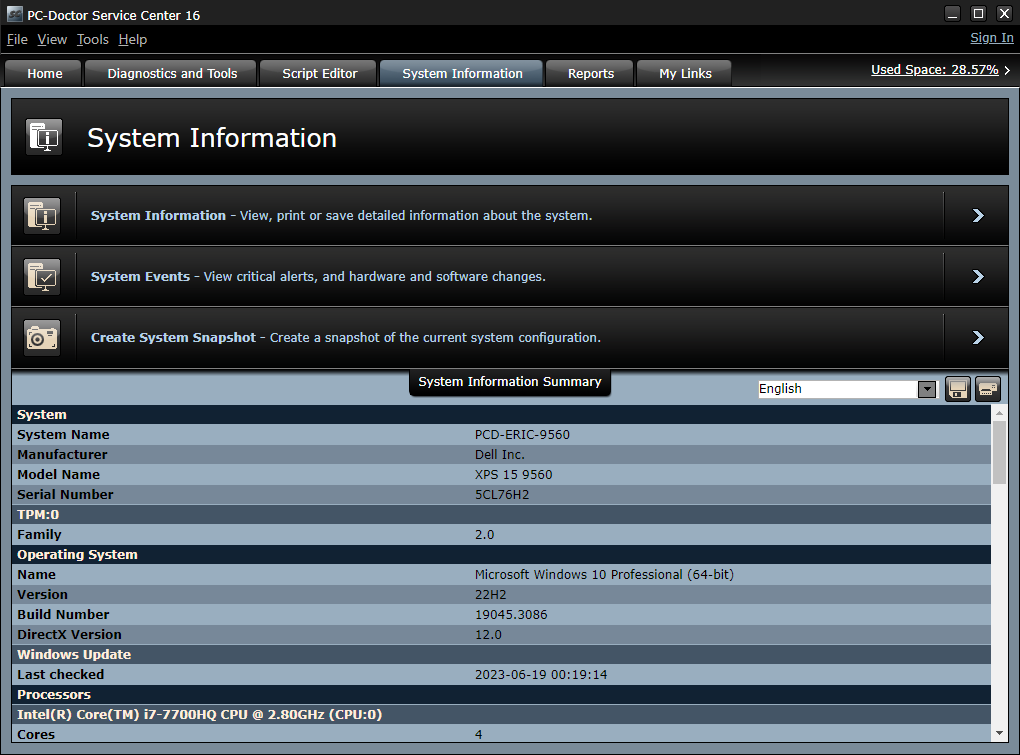
Shows system information, click to run test scripts or My Links

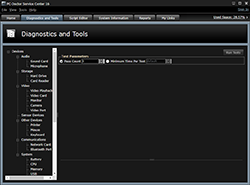
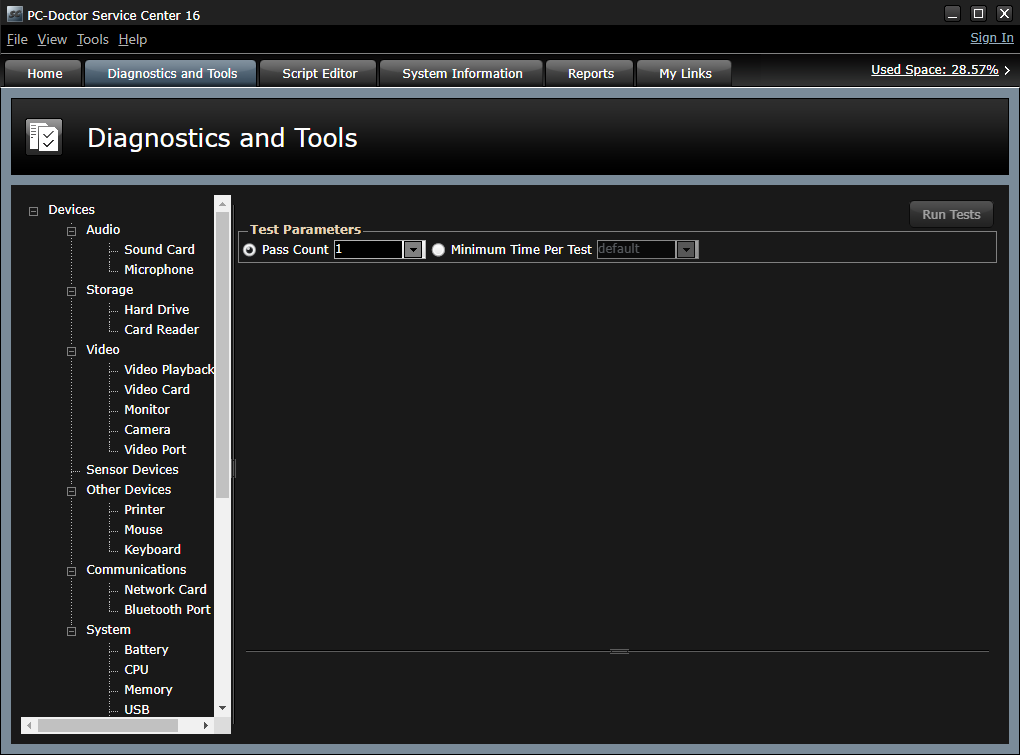
Diagnostics and one click access to Windows tools
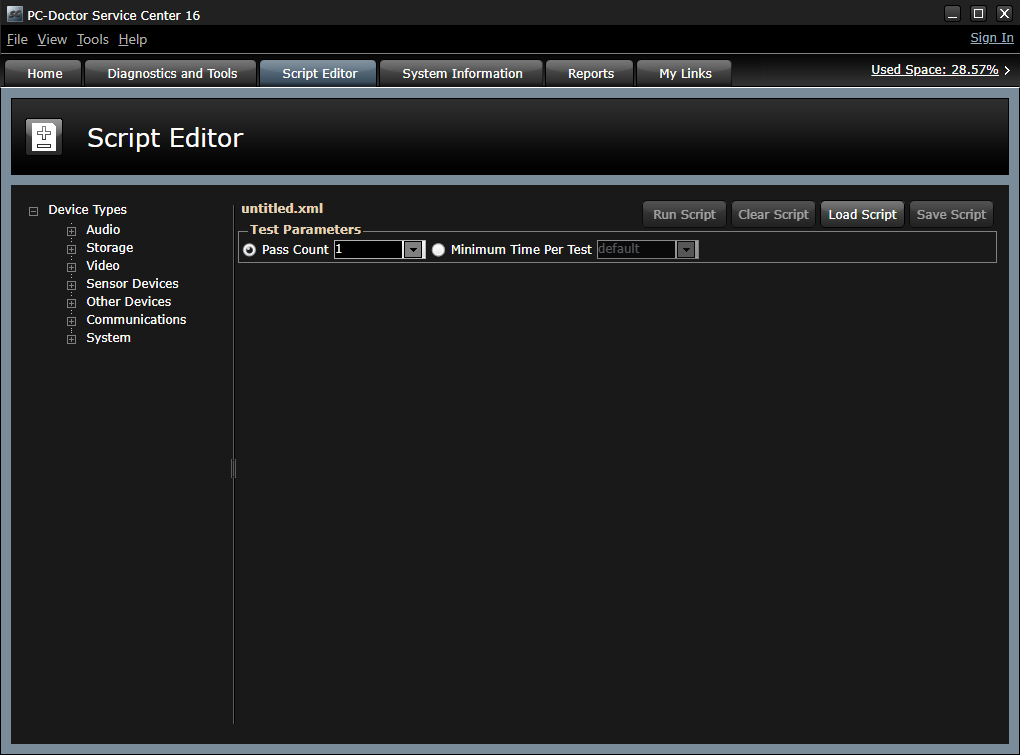
Set test parameters and run tests in parallel or in series

Features
Service Center 7.9 is a significant improvement to the PC repair kit that repair depots, manufacturers, and independent computer repair shops have used for years to speed troubleshooting. The new kit delivers faster, updated diagnostics, and the ability to take detailed snapshots of the system under test to clearly show all changes made to hardware and drivers. You can present a professional image to your customers by providing customizable reports that include your company's logo and contact information.
More Features to Help You Troubleshoot
- The loopbacks and optional power supply tester and PCI/miniPCI POST cards help you find problems fast
- The Multipurpose USB Device indicates test status and stores configuration files, customizable reports, system snapshots, your customized links, and other information
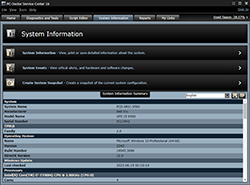
- Direct System Information™ architecture gathers information directly from devices, bypassing drivers where possible
- Runs under Windows 7, Vista, XP, Server 2003, Server 2008, and the included offline bootable OS
- Run direct from CD or the Multipurpose USB Device with no installation
- Analyze BSODs to identify the device driver that caused it
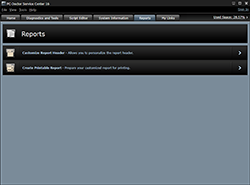
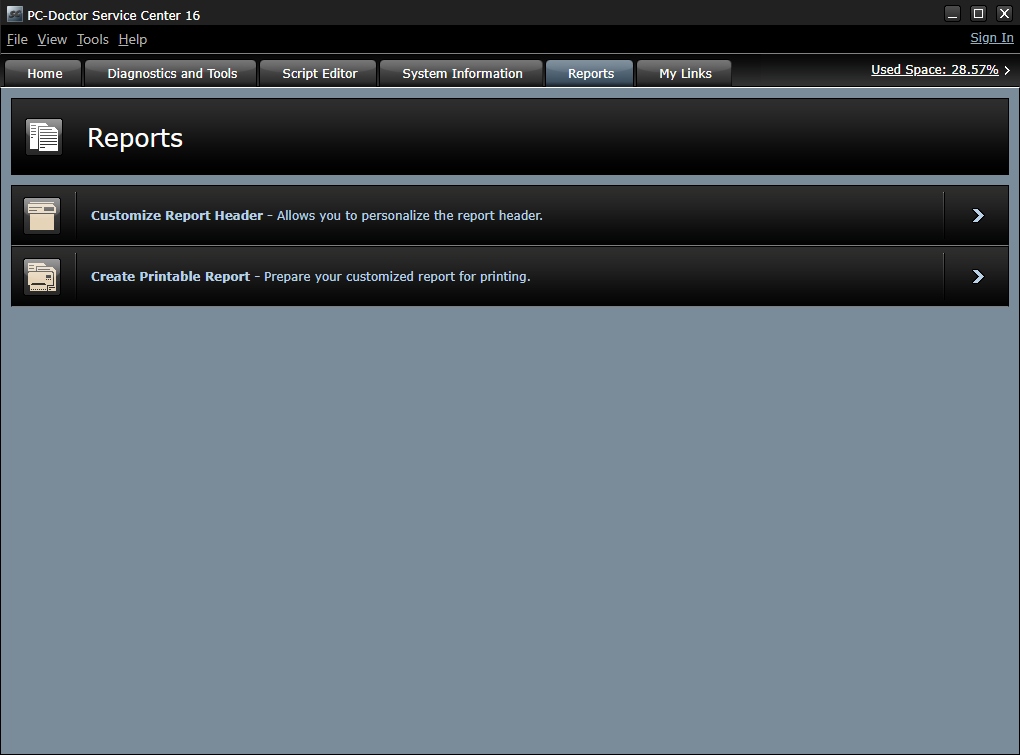
Customizable Reports Enhance Your Professional Image
Your computer repair techs have unprecedented control over both the content and the appearance of the reports generated by Service Center. These reports can be branded to include your company name, the technician's name, and your company logo. Reports can include system information, test information, and a comparison between any two snapshots of the system that shows all changes made between those snapshots.
System Snapshots
A system snapshot is a system profile that you can compare to other system configurations or use for auditing hardware. You can take a snapshot before you begin work, replace hardware and drivers as needed, then take another snapshot after repairs are complete. The differences between the two snapshots, including detailed hardware, software and driver information, can be included in the printed report generated by Service Center. This shows the customer exactly what was done to their system, establishes credibility, and boosts customer confidence. A camera icon on the Home pane makes taking snapshots quick and easy.
Test Scripts
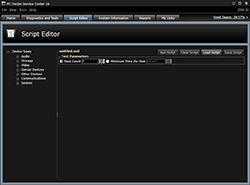
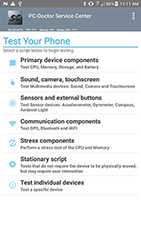
Test scripts are series of diagnostics that run automatically when the test script is launched. The Script Editor allows you to create custom test scripts that you can tailor to your specific test needs and save for repeated use. Five predefined, broad-coverage test scripts can be launched with a single click directly from the home screen. You can save an almost unlimited number of custom test scripts and add up to five to the home screen. Note that all tests, including tests for devices not present in the system under test, are included in the script. This allows the script to be used on other systems that might include the devices required to support those tests.
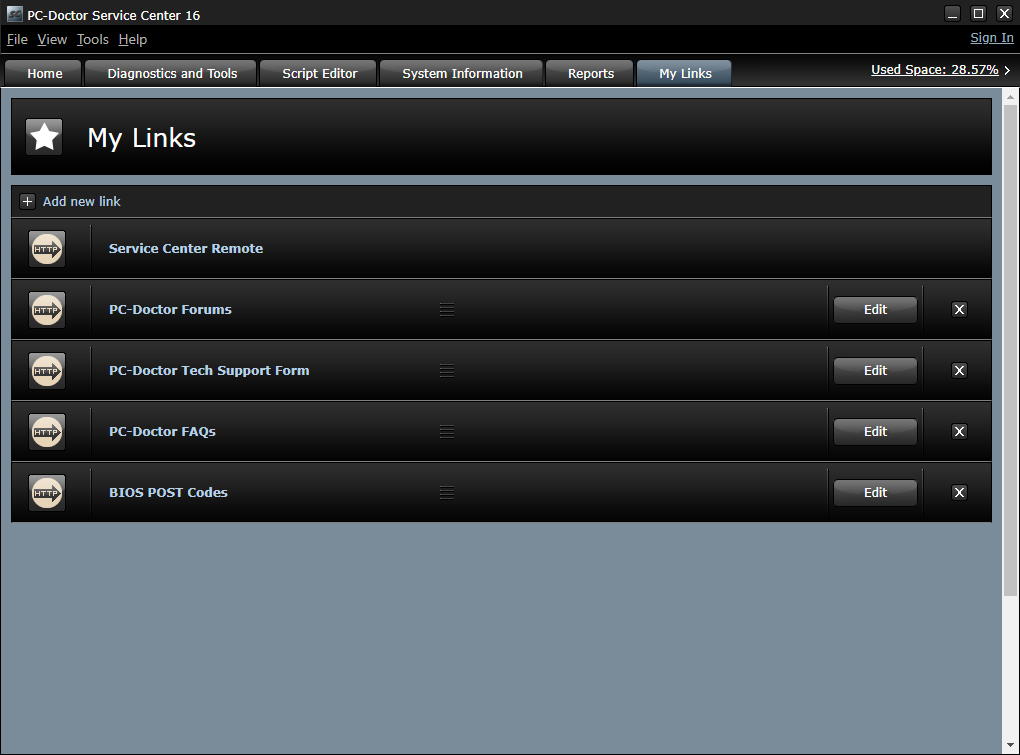
My Links
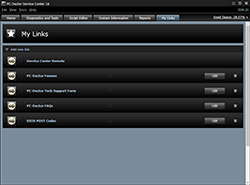
A nearly unlimited number of links to user-defined test scripts, favorite Web addresses, and local files can be added to Service Center for quick access when running on multiple systems. Common uses for My Links are to provide easy access to BIOS codes, documentation, often-used programs, and so on. The top 20 links are also available directly from the home screen.
System Events
Conveniently locate problems reported by Device Manager or the Windows Event Log including devices without an installed driver, Application Crashes, and OS Crashes (BSOD). BSOD entries with available Windows dump files are analyzed to root cause the device driver that caused the BSOD.
PC-Doctor Service Center makes you look better to your customers. Find their problems fast with more than 300 diagnostic tests, many new or updated for faster execution. Repair the problems, then use Service Center to make sure you found and fixed the real problems, then present your customers with reports that show every component in their system, including model and serial numbers, every test run on the system, and exactly what you did to fix the problems. All with your logo, contact information, and technician's name prominently displayed at the top. Never has a single product done so much to improve your performance and image!
The Kit Includes:
- Diagnostic CD for both Windows testing and low-level hardware testing through the included offline OS
- Multipurpose USB Device that is bootable to the offline OS
- CD and DVD test media
- Four loopback devices for RJ45, serial, parallel, and audio ports
- Drive Erase Tool (included as a utility with the offline OS)
- Comprehensive documentation for advanced product usage
The PC-Doctor Service Center Premier Kit expands on the Service Center Kit giving you additional tools to diagnose systems unable to POST or boot. Use the hardware test devices to confidently and accurately diagnose intermittent power issues and quickly diagnose problems during the power on self test (POST). The Diagnostics CD with Microsoft Windows PE provides access to the NTFS file system in a pre-boot environment, the ability to perform Windows testing outside of the installed OS, and the same customized reporting available in Service Center for Windows
The Kit Includes:
- Service Center Kit
- PCI POST Card
- miniPCI POST Card
- Power Supply Tester
- Bootable Windows PE Diagnostics CD provides testing in the PE environment